Voice logging: say your reps and weight instead of typing

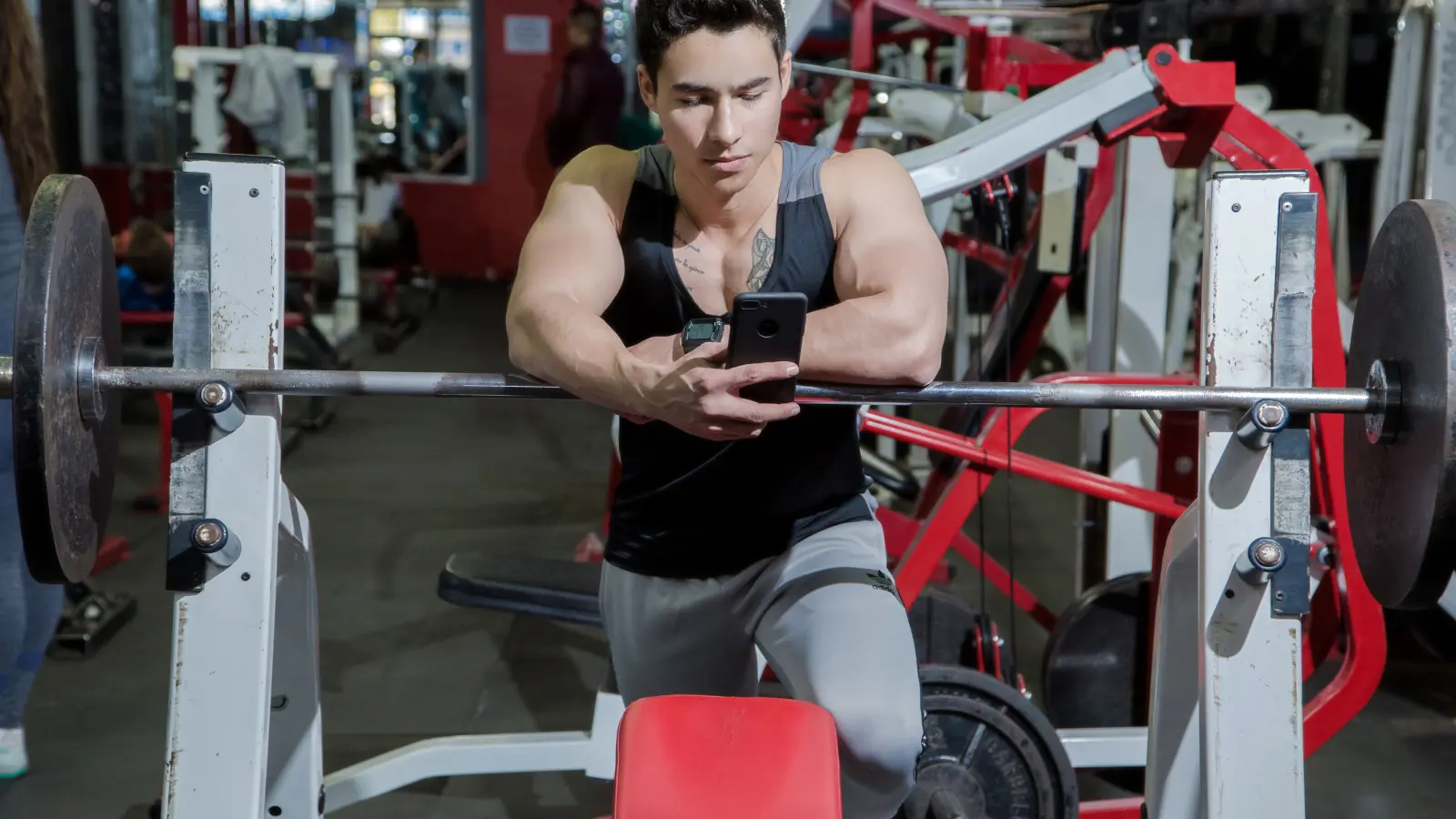
Voice workout logging means you say your set out loud, for example, "130 pounds for 8", and the app fills in the numbers for you. You check them, tap to confirm, and go back to your workout. You still need to touch the phone, but you don't have to type the weight and reps.
How voice logging works
You use voice in the same tracker where you'd normally type a set. Open the exercise you're doing, tap the mic, and say the numbers. For example:
- "60 kilos for 8 reps"
- "8 reps at 60 kilos"
- "130 pounds for 8"
The app records your voice and turns it into text. That's called speech-to-text. It then looks for the weight, the number of reps, and the unit you said. Those values appear on screen for you to check.
"8 reps at 60 kilos" gives the app more to work with than two numbers on their own. If you leave out the unit, check whether the app used your usual setting. An app should convert pounds to kilos when needed, rather than quietly treating them as the same weight.
You can use voice for one set and type the next. There's no need to change how you log your whole workout.
Always check the set before saving
Speech recognition can get a number wrong. You might say "sixty" and see "sixteen", especially with music playing nearby. That's easy to miss if you assume the app heard you correctly.
Look at the reps and weight before you save. If you did 8 reps at 60 kg, both numbers should match what you lifted. Fix anything that's wrong, then confirm the set.
I want a workout tracker to wait for that confirmation. A wrong entry can make last week's workout look heavier or lighter than it was, which is confusing when you're deciding what to lift next time. The app should give you a chance to catch it first.
Is voice logging faster?
It can be, especially when you need to enter both numbers. Speaking a short phrase may feel easier than tapping through fields with chalk on your hands or lifting straps around your wrists. It can also be useful between exercises in a superset.
But voice isn't always the quickest option. If the app already shows the weight and reps you just did, one tap to save is simpler. If you only need to change 8 reps to 9, use the plus button. And if you'd rather not speak to your phone in a quiet gym, typing is fine.
There's no single time saving I can promise. You still have to start the recording, wait for the result, and check it. You may find it easier for some sets and slower for others.
What to do when it hears you wrong
Loud music, plates hitting the floor, and nearby conversations can make your words harder to hear. Some accents or ways of saying numbers may also be harder for an app to recognise.
Try holding the phone closer and saying the weight, unit, and reps clearly: "60 kilos for 8 reps." Pause until a loud noise passes if you need to. You don't need to describe the whole exercise or explain how the set felt.
Check the unit as well as the numbers. If you train with plates marked in pounds but your tracker displays kilos, the converted number will look different. That alone doesn't mean it heard you wrong.
If a second attempt still gets it wrong, type the set. You don't need to spend your rest break repeating the same sentence.
A set logged by voice
This is how it works in the web app for Ironi, the tracker I build and train with. The tracker is free forever, including voice logging.
- Open your current exercise and tap the mic button.
- Allow microphone access and AI voice processing if you haven't already.
- Say "70 kilos for 10 reps", then tap the mic again to stop recording.
- Check the weight and reps shown on screen.
- If you actually got 9 reps, use the minus button to change 10 to 9.
- Tap the checkmark to log the set.
If it can't read your set, you can try again or close the voice window and enter it yourself. Closing it doesn't save anything. You need an internet connection for voice logging.
Where does the recording go?
It depends on the app. Some turn speech into text on your device. Others send a recording to an online service to do that work. Microphone permission alone doesn't tell you which one you're using.
In the tracker above, recording starts when you tap the voice button, and a clip is limited to about 15 seconds. The audio goes through the server to Groq Whisper for transcription. It isn't saved in the workout database. The transcription provider has its own rules for logs and temporary copies.
The words come back to your device and fill the draft set. If the app needs help reading those words, it may send the transcript to an AI service. The set is saved only when you confirm it. The privacy policy explains the recording and processing details.
Before using voice in any tracker, check when recording starts and stops, where the audio goes, and whether anyone keeps a copy. Short recordings can still pick up people nearby. If you're uncomfortable with that, keep using the normal set fields.
Should you have to pay for it?
I think entering your own reps and weight belongs in the free part of a tracker. Voice is another way to enter those same numbers. That's why I keep it free, while the AI trainer, workout reviews, and plan generation are Pro features.
Other apps make different choices, so check whether voice has a paid limit before relying on it. The free workout app comparison covers other limits to look at when choosing a tracker.
Try voice for a few sets in your usual gym. If it saves you fiddling with the phone, keep using it when it helps. On a day when tapping is easier, use that.
Photos: Sabel Blanco (cover) and Allan Mas (inline), via Pexels. These are stock photos, not screenshots of the app.